If you are stepping into the world of freelancing in 2026, you have likely asked yourself one big question: "Should I start on Upwork or Fiverr?"
These two giants dominate the gig economy, but they work in completely different ways. Choosing the wrong one can lead to burnout, low pay, or months of wasted effort. Choosing the right one can launch a six-figure career.
In this guide, we will break down the Upwork vs. Fiverr debate with the latest 2026 updates, fee structures, and algorithm changes so you can decide where to build your business.
The Core Difference: "Hunting" vs. "Fishing"
Before we talk about money, you need to understand the vibe of each platform.
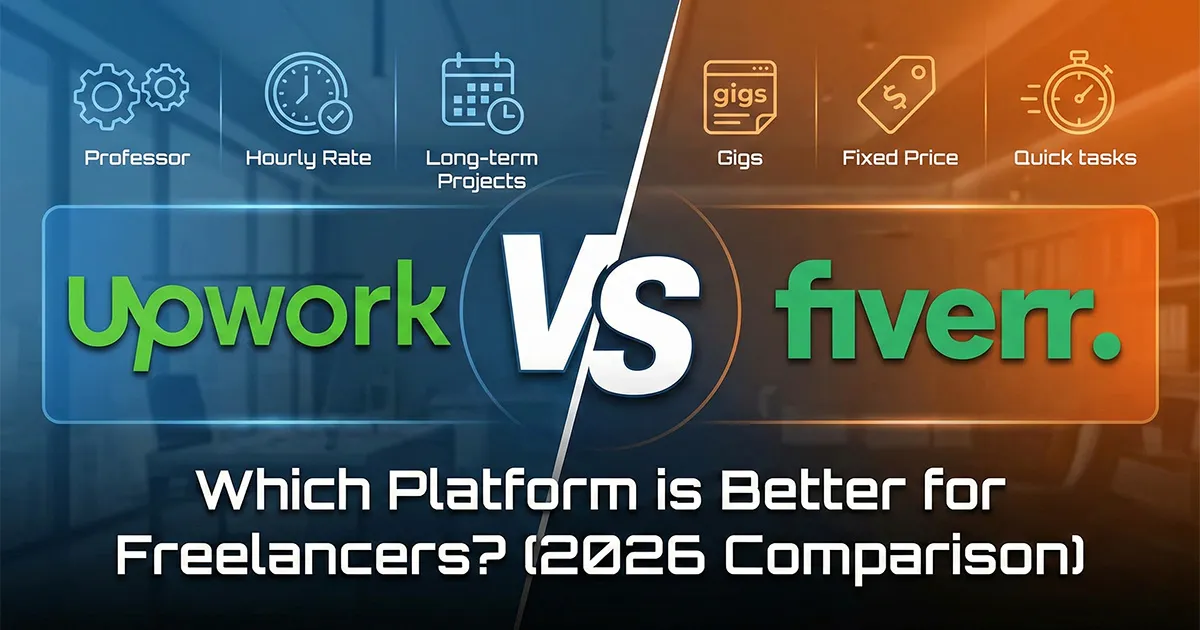
Upwork is for "Hunters" (Active)
On Upwork, clients post job descriptions (e.g., "I need a web developer to build a Shopify store"). You, the freelancer, must actively submit a proposal to win the job. You are "hunting" for work.
-
Best for: Long-term contracts, complex projects, and professionals who like building relationships.
Fiverr is for "Fishermen" (Passive)
On Fiverr, you set up a "Gig" (e.g., "I will design a modern logo for $50"). Then, you wait. Clients browse the marketplace and buy your service like a product on Amazon. You are "fishing" for clients to come to you.
-
Best for: Quick tasks, productized services, and creative work with clear deliverables.
1. Upwork Review: The Professional’s Hub
Upwork has evolved in 2026. It is no longer just a bidding site; it is a full-scale "work marketplace."
How it Works
You create a profile and buy "Connects" (Upwork's virtual currency). You use these Connects to apply for jobs. If a client likes your pitch, they interview you, and work begins.
The Fees (2026 Update)
-
Freelancer Fee: Upwork typically charges a 10% flat fee on your earnings. (Note: Some specific enterprise contracts may vary between 0-15%).
-
Connects: You have to pay to apply for jobs. Connects cost about $0.15 each, and a job might require 10–20 Connects. This means you are paying a small fee just to ask for work.
Pros:
-
High-Ticket Clients: You can find Fortune 500 companies and startups willing to pay $50–$150/hour.
-
Long-Term Work: Many contracts last months or years.
-
Control: You choose exactly which jobs you want to apply for.
Cons:
-
Upfront Cost: Buying Connects can be expensive for beginners with no income yet.
-
High Competition: You might compete with 50+ other freelancers for one job.
2. Fiverr Review: The Service Supermarket
Fiverr has tried to shake off its "$5 reputation" with Fiverr Pro and Fiverr Neo (their AI matching tool), but the core model remains the same.
How it Works
You create "Gigs" with three pricing tiers (Basic, Standard, Premium). Clients click "Order Now" without even talking to you first (though many message beforehand).
The Fees (2026 Update)
-
Freelancer Fee: Fiverr takes a flat 20% commission on everything. If you earn $100, you keep $80.
-
No Upfront Cost: It is free to post Gigs. You don't pay anything until you get paid.
Pros:
-
No Bidding Fatigue: You don't have to write endless cover letters. Wake up to new orders.
-
Easy Entry: Great for beginners to get their first dollar online.
-
Upselling: You can add "Extras" (e.g., "Fast delivery for +$20") to boost earnings.
Cons:
-
High Fee: Giving up 20% of your income hurts, especially on large orders.
-
Client Bias: Clients often expect faster, cheaper work compared to Upwork.
-
Algorithm Mercy: If Fiverr changes its search algorithm, your sales can drop to zero overnight.
3. Comparison Table: At a Glance
| Feature | Upwork | Fiverr |
| Work Style | You bid on posted jobs | Clients buy your packaged services |
| Fees | ~10% Service Fee | Flat 20% Commission |
| Cost to Start | Requires buying "Connects" | Free |
| Project Type | Hourly & Long-term contracts | Fixed-price & Short-term gigs |
| Average Pay | Higher ($$$) | Lower to Medium ($$) |
| Skill Level | Intermediate to Expert | Beginner to Expert |
4. Which One Should You Choose in 2026?
The "better" platform depends entirely on your skill set and personality.
Choose Upwork If:
-
You are a Developer, Virtual Assistant, Accountant, or Consultant.
-
You want stable, hourly work (e.g., 20 hours/week).
-
You are good at writing persuasive proposals and selling yourself.
-
You hate the idea of losing 20% of your paycheck forever.
Choose Fiverr If:
-
You are a Logo Designer, Voice Actor, Video Editor, or Translator.
-
You offer a service with a clear "Done" state (e.g., "Here is your video file").
-
You want a side hustle that runs semi-passively once set up.
-
You have $0 budget to start and can't afford Upwork Connects.
Conclusion: Why Not Both?
In 2026, the smartest freelancers don't rely on just one platform.
My recommendation? Start on Fiverr to get your first few reviews and build confidence. It is free and low-risk. Once you have a portfolio and some cash flow, move to Upwork to hunt for high-paying, long-term clients who will treat you like a partner, not just a vending machine.
The "best" platform is simply the one that puts money in your bank account. Go create your profile today!